Download files, share for comments, or pack for the venue.
Download
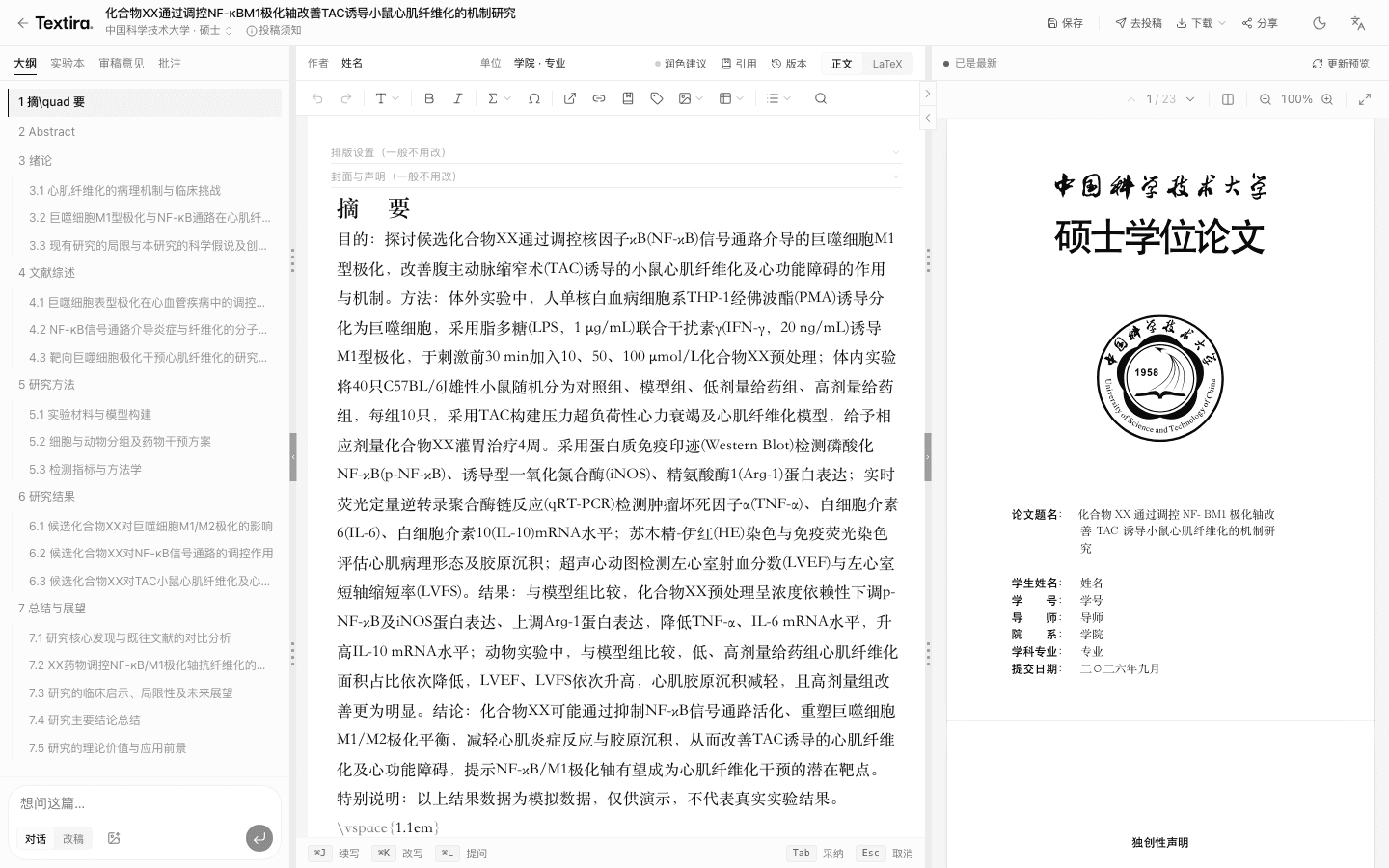
In the workbench click Export, or in My papers click Download. Choose PDF, Word, LaTeX, or slides.
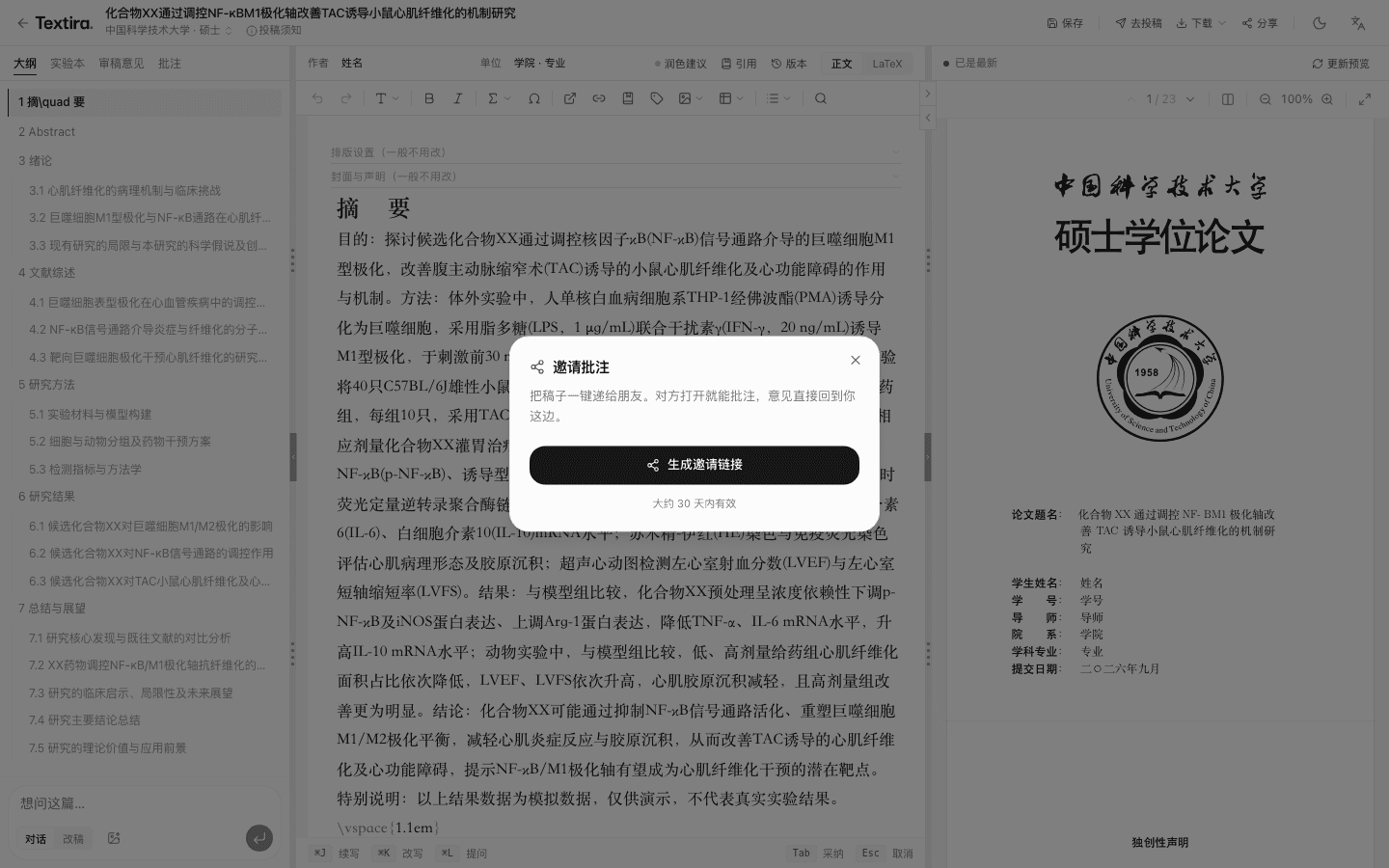
Share
Share → Create share link. Update PDF first so a PDF exists. Friends can view the preview, not comment.
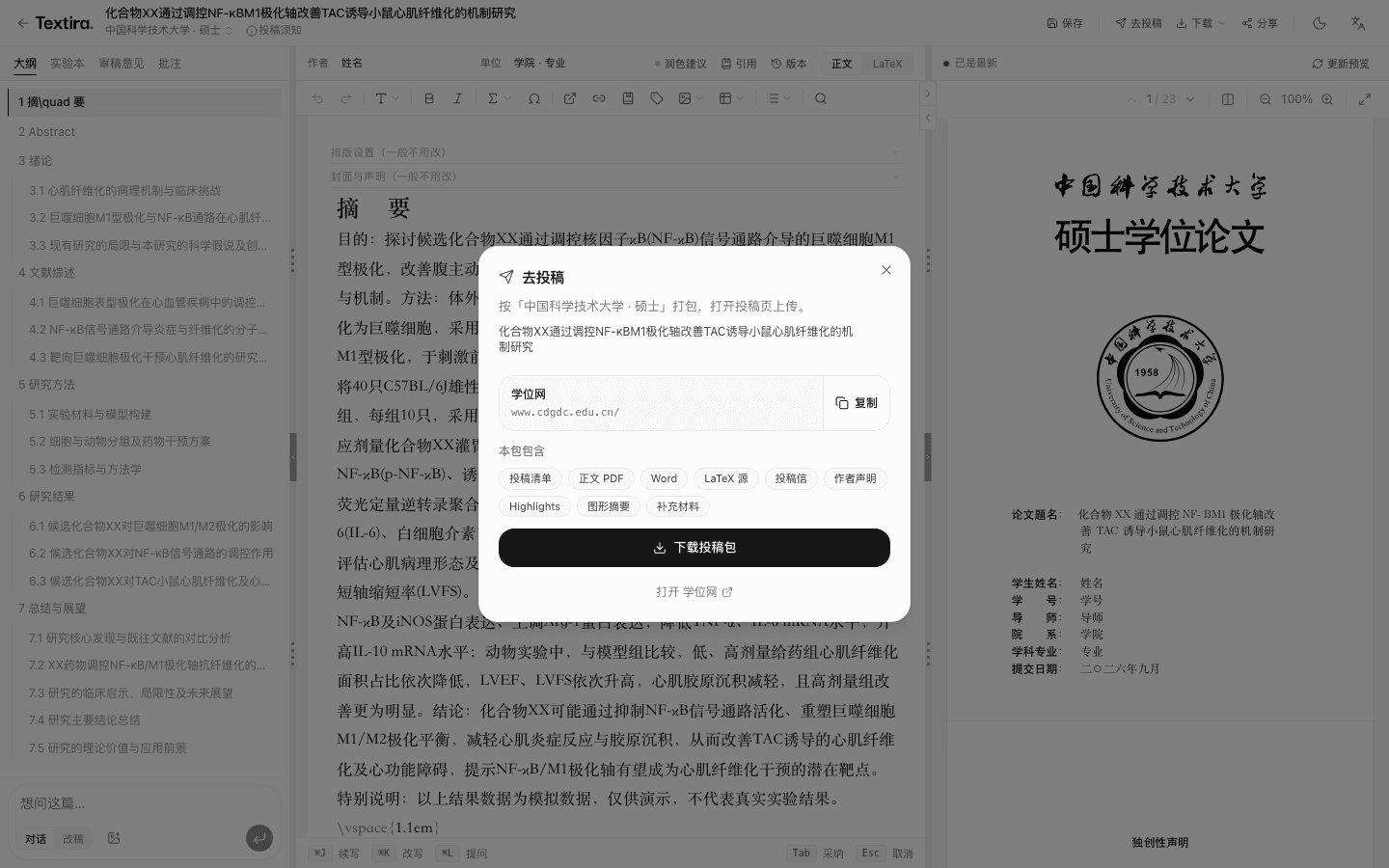
Submit
Click Submit, then download the pack. Check it against the venue site before you upload. For double-blind, open the blind PDF and look for names on page one and in acknowledgments.
Related