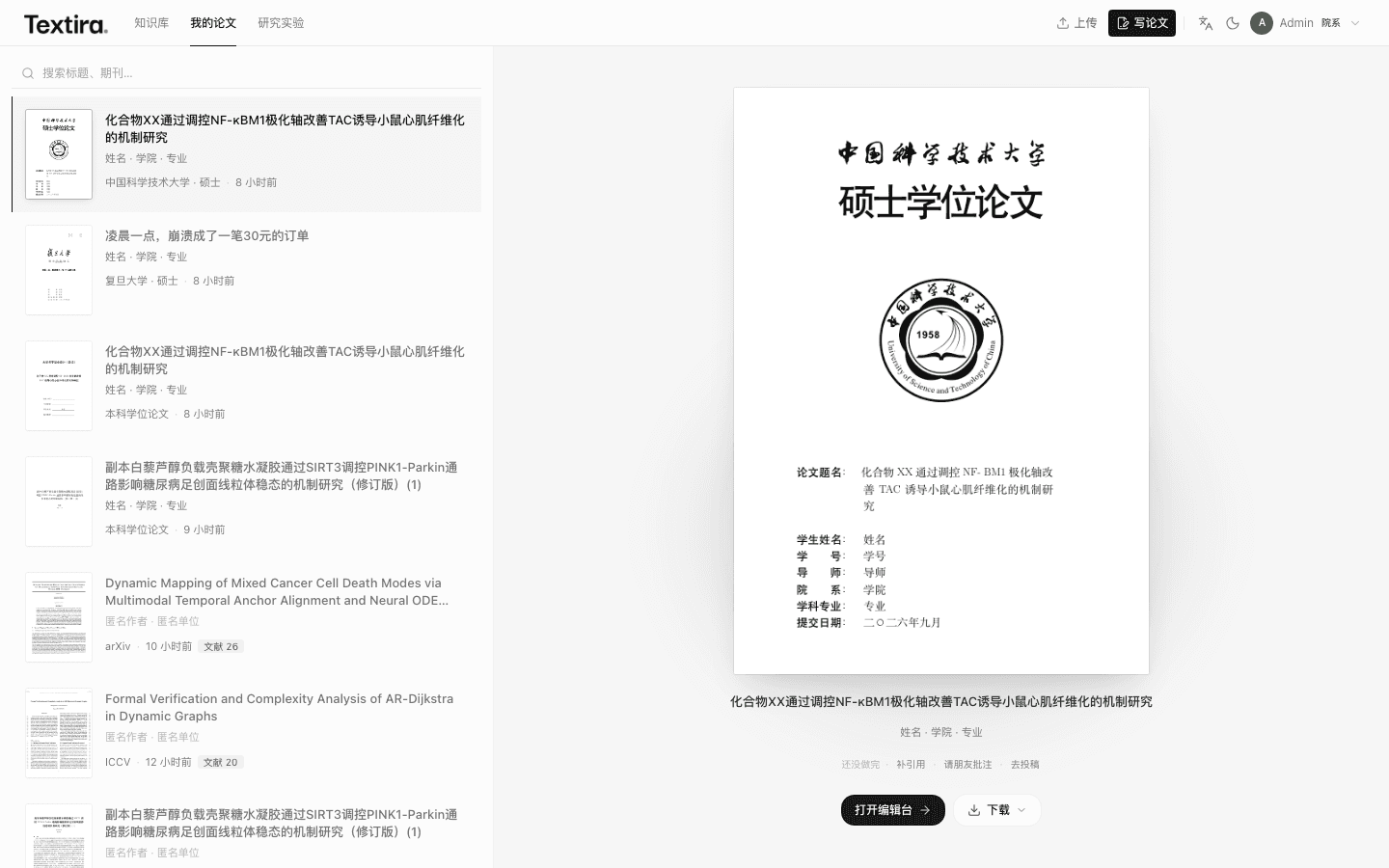
Sign in with email, then open My papers.
Sign in or register
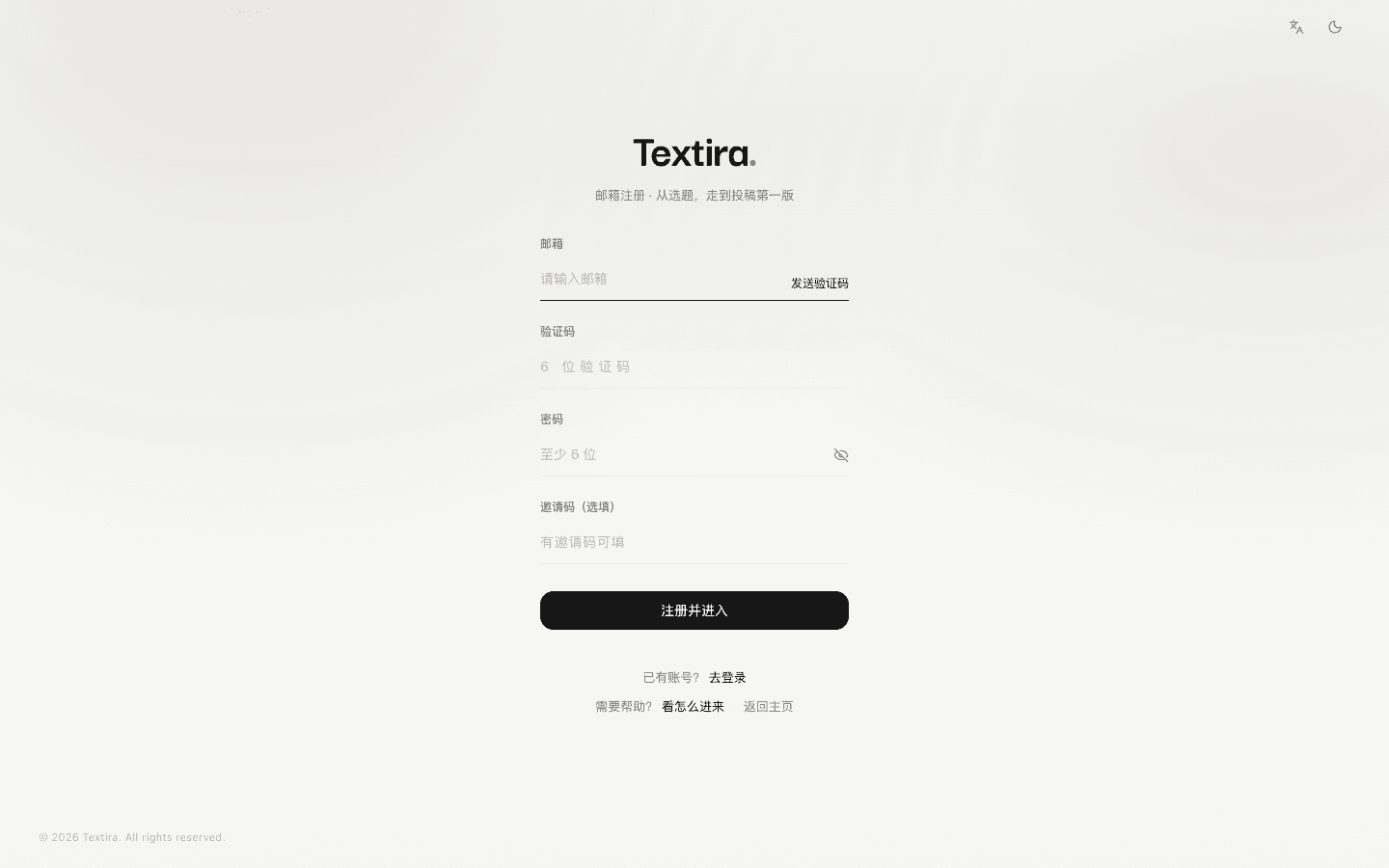
On Login, enter email and password, then Enter Textira. To register: get a code by email, set a password of 6+ characters.
- Sign in: email, password → Enter Textira.
- Sign up: email → send code → password → Register.
- Forgot password: use the link on Login.

Tips
- No code? Check spam, or try again later.
Once you are in
Top bar: Knowledge, My papers, Experiment. New paper starts a manuscript. Open workbench edits one you already have.